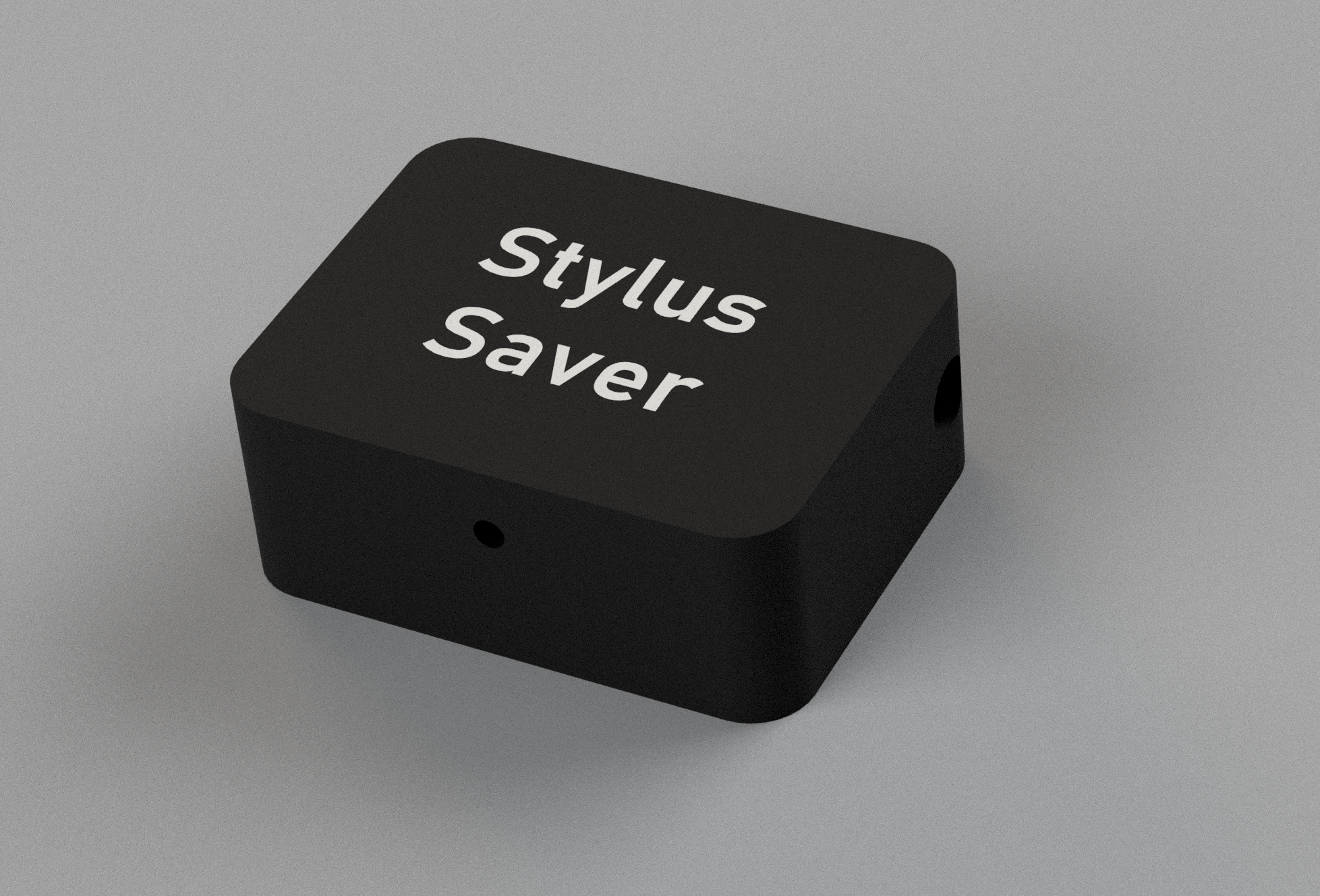
Stylus Saver & Run-time Tracker
This is my PS-4750. It fully manual. Sometimes life’s distractions take me away from my turntable and when it reaches the end of the side it would be nice if it could remind me it is still running and turn itself off if I’m unresponsive. It would be great if it could track run-time too.
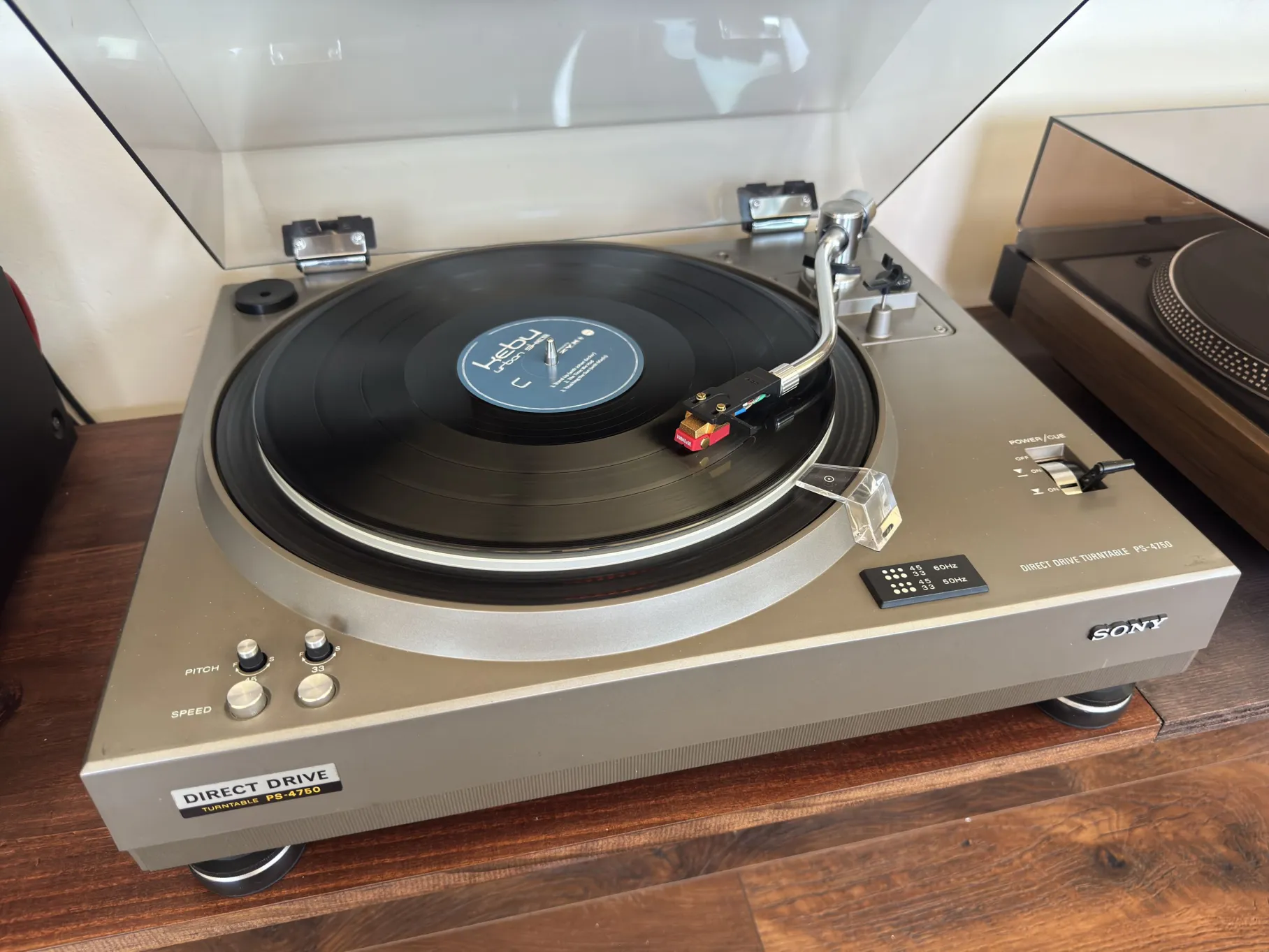
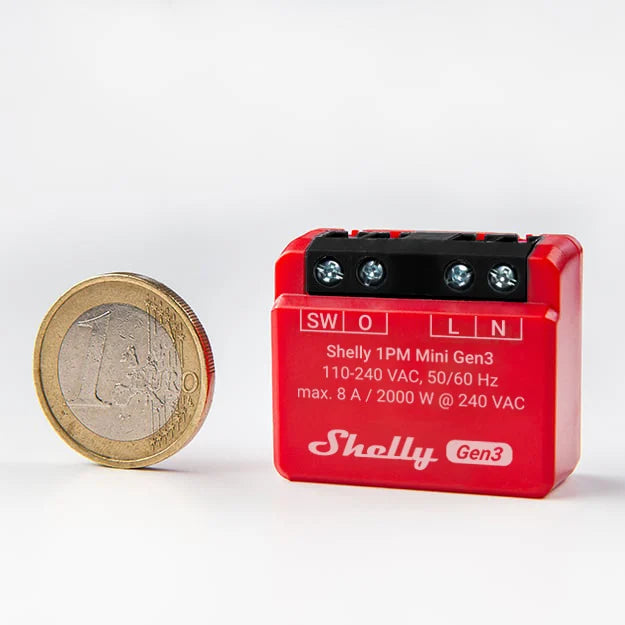
So I leveraged a Shelly 1PM, a script that runs on the Shelly and a (free) Pushover account. (I won’t cover the in’s and out’s of Shelly setup, its very simple to get going and configure from your phone and web browser. Likewise, Pushover is straightforward to sign-up and use).
Before proceeding, please note that working with mains power can be hazardous. Read the full liability waiver here
How it works
The Shelly is connected between the turntable and the mains power. It monitors the power consumption (watts) of the turntable and uses that to deduce where it is running to not. It tracks the continuous runtime and when it reaches the configured thresholds it triggers the two actions.
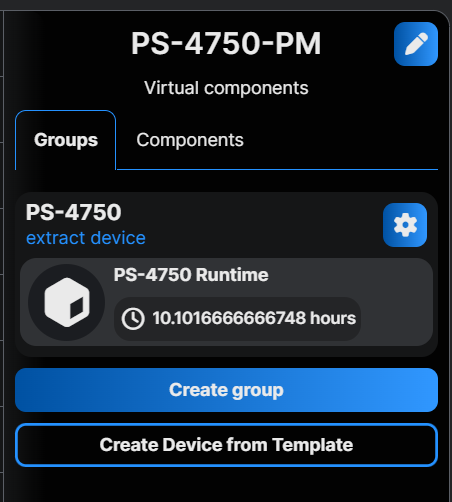
Run-time is tracked on the Shelly Dashboard so you’ll know when to buy a new stylus!
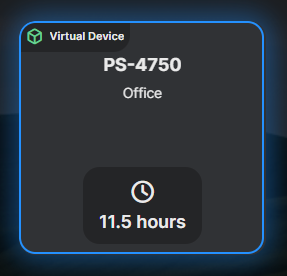
The easiest way to reset this when the time comes is to delete and re-create the Virtual Device.
Wiring
Based on this article in the Shelly KB
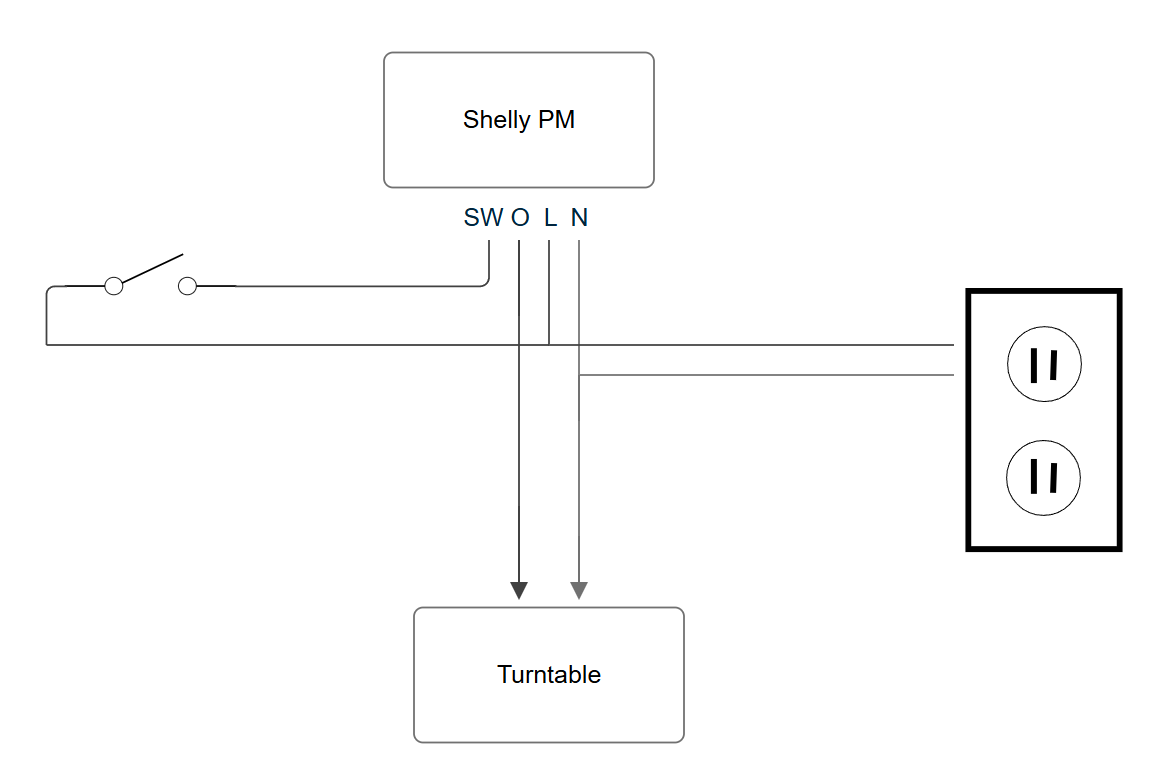
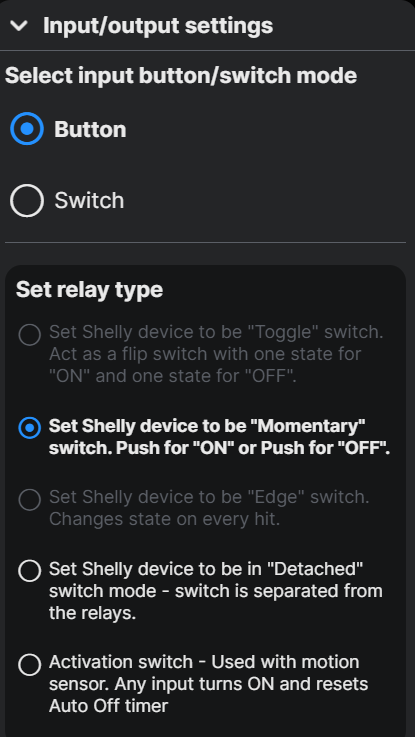
Switch
The switch is optional. If the turntable is turned off you need a way to turn it on again. This can be done with the Shelly App, or by wiring a switch. Note: the switch runs as line voltage so it is recommended to house the switch in the same box as the Shelly PM1.
I have a momentary switch which works as a simple toggle. It must be configured as follows:
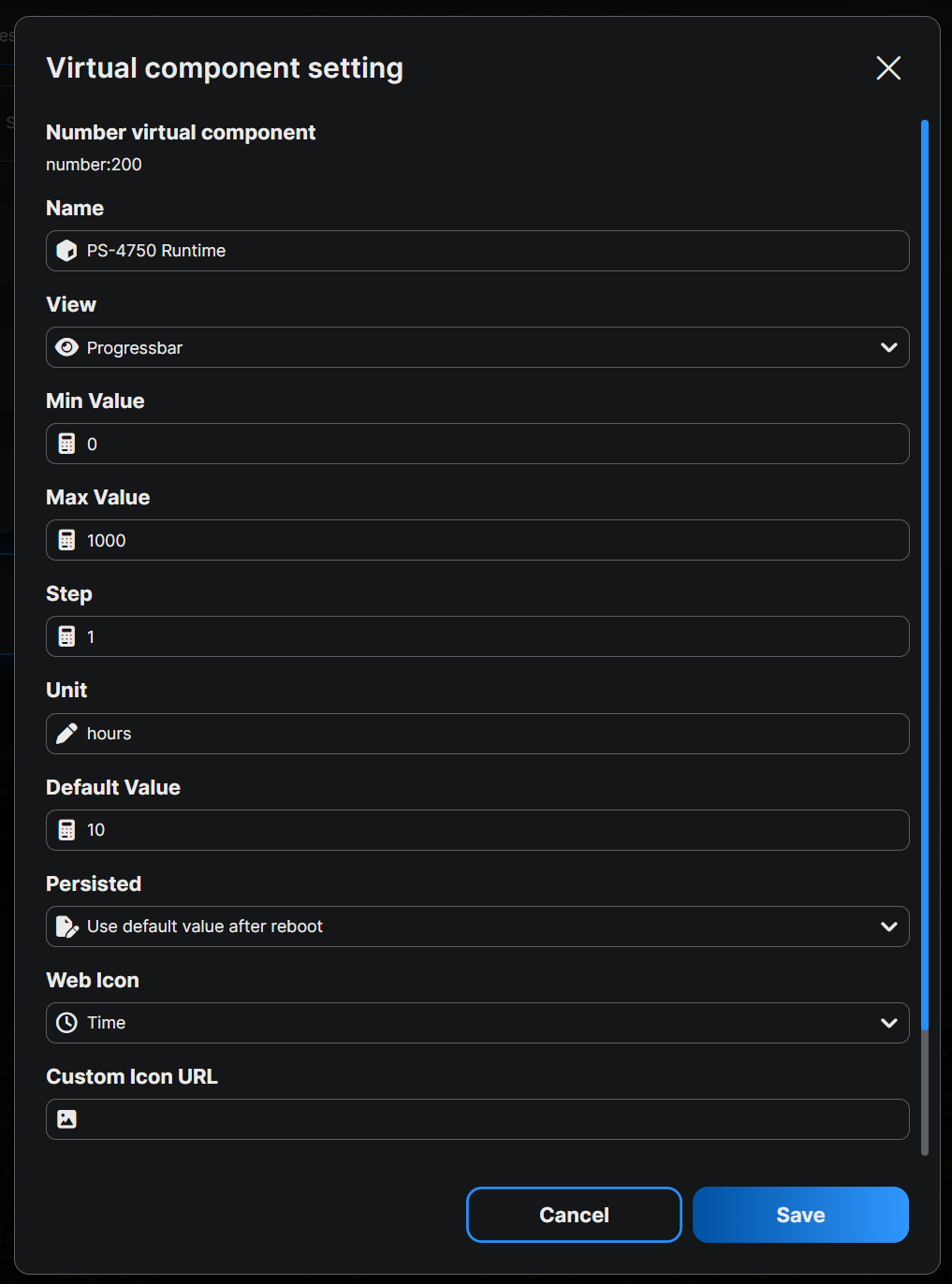
Virtual Device
To display the runtime in the dashboard you need to add a Virtual Device, add that in the Shelly UI.
Script
Add your Pushover credentials from your (free) Pushover account, adjust the notification and power-off delays, watts and messages to suit and add to the Shelly PM!
The PS-4750 uses 5W when running, however I have a 100V step-down transformer that idles at 1.5W so I picked 3W as the threshold instead of 0W.
let CONFIG = {
  user_key: "PUSHOVER USER KEY",
  api_token: "PUSHOVER API TOKEN",
  warningMessage: "PS-4750 running too long",
  powerMessage: "PS-4750 powered off",
  title: "Power Monitor",

  power_threshold: 3, // Watts
  notificationDelay: 60*25,
  powerOffDelay: 60*30,
  pm_component_id: 0    // Usually 0 for single-channel PMs
};

let consecutive_seconds = 0;
let alert_sent = false;
let alert2_sent = false;

// Timer callback that runs every 1000ms (1 second)
Timer.set(1000, true, function () {

  let switchStatus = Shelly.getComponentStatus("switch:0");
  let current_power = switchStatus.apower;
    if (current_power > CONFIG.power_threshold) {
      consecutive_seconds++;

      // track the run-time in a Virtual Device
      let runtimeCounter = Virtual.getHandle("number:200"); // this must match the Virtual Device ID inside Shelly
      let currentVal = runtimeCounter.getValue() || 0;
      runtimeCounter.setValue(currentVal+=1/3600);

      // Check if threshold duration met and alert hasn't been fired yet
      if (consecutive_seconds >= CONFIG.notificationDelay && !alert_sent) {
        sendPushoverNotification(CONFIG.warningMessage);
        alert_sent = true;
      }
      if (consecutive_seconds >= CONFIG.powerOffDelay && !alert2_sent) {
        sendPushoverNotification(CONFIG.powerMessage);
        Shelly.call("Switch.Set", { id: 0, on: false });
        alert2_sent= true;
      }
    } else {
      // Reset counter if power drops below threshold
      if (consecutive_seconds > 0 || alert_sent) {
        print("Resetting monitors");
        consecutive_seconds = 0;
        alert_sent = false;
        alert2_sent= false;
      }
    }
});

function sendPushoverNotification(message) {
  print("Sending notification to Pushover...");

  Shelly.call(
    "HTTP.POST", {
      url: "https://api.pushover.net/1/messages.json",
      header: {
        "Content-Type": "application/json"
      },
      body: {
        token: CONFIG.api_token,
        user: CONFIG.user_key,
        title: CONFIG.title,
        message: message
      },
      ssl_ca: "*" // Instructs Shelly to use internal certificates to trust the HTTPS connection
    },
    function (response, error_code, error_message) {
      if (error_code === 0) {
        print("Pushover notification sent successfully!");
      } else {
        print("Failed to send notification. Code: " + JSON.stringify(error_code) + " Msg: " + error_message);
      }
    }
  );
}
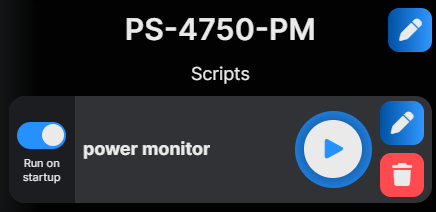
Set it to run at startup:
Box
I printed a simple box for mine: